
We talk about verification a lot — it’s on our homepage, it’s in every getaway guide we write, it’s the first thing we tell new members. But we’ve never actually walked through what it means. So here it is, plainly.
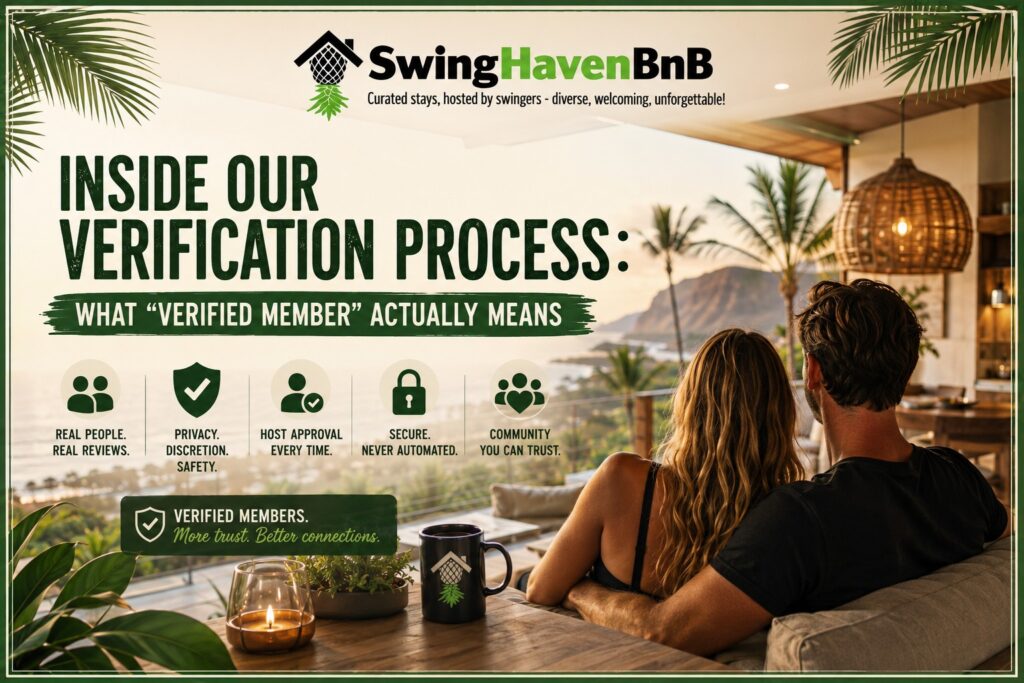
It’s not a checkbox. Someone actually looks.
When you sign up for SwingHavenBnB, your application doesn’t go through an algorithm and pop out the other side approved. We personally review every member application ourselves. We look at your profile, your photos, and how you present yourself — the same way you’d size someone up before deciding whether to open your home to them or stay in theirs.
That’s slower than an automated system. We’re okay with that. A platform like this only works if the people on it trust each other, and trust isn’t something you can automate your way into.
Community Verification
Community verification is a different question entirely: are you who you say you are, and do you understand what this community is about? That’s the part we handle personally, and it’s the part that actually matters for trust between members.
A verified badge means we looked, and this is a real person engaging in good faith.
Why we ask for a G-rated photo
Every profile includes a G-rated photo — nothing explicit. It sounds small, but it does a lot of work. When a host is deciding whether to welcome someone into their home, a real face tells them more in half a second than paragraphs of profile text ever could. It’s the same instinct that makes you glance at someone’s photo before agreeing to meet up anywhere — just applied to travel.
Hosts choose who stays with them — always
This is probably the most important thing to understand about how SwingHavenBnB works: verification gets you into the community, but it doesn’t get you an automatic booking. Every host reviews and approves who stays in their space, the same way we’d want to review who’s staying in ours. Nothing here books instantly or automatically — you can see exactly how the request-and-approval flow works on our How It Works page.
That might feel like an extra step compared to typical travel apps. But this isn’t a typical travel app. Hosts are opening their actual homes — sometimes literally the house they live in — to people they’ve never met. Giving them the final say isn’t a limitation of the platform, it’s the whole point of it.
What we’re actually protecting
Underneath all of this, verification exists to protect a short list of things: privacy, discretion, safety, and consent. Every part of how the platform works traces back to one of those — from keeping public listing locations approximate rather than exact, to Stripe or PayPal handling the transaction with your financial details instead of us, to hosts having final approval over every stay. If you want a deeper look at consent education in the lifestyle community more broadly, the National Coalition for Sexual Freedom is a great resource we point members toward.
None of it is about making things harder. It’s about making sure that when you do connect with someone — as a guest or a host — you actually know the person is who they say they are on the other end.
If you’re on the fence about signing up
We get it — asking for real verification, a real photo, and giving hosts approval rights is more friction than “book now and show up.” That’s intentional. The couples and hosts who’ve found real connections through SwingHavenBnB tell us the same thing: the extra step at the front end is what makes everything after it feel safe.
If you’ve been putting off completing your profile because it feels like a lot, it’s worth remembering why it’s there. It’s not there to slow you down. It’s there so that when you do show up somewhere, you know exactly who’s opening that door.
— The SwingHavenBnB Team
Comments